A place for everything.
Snap any messy space and Cubbyly gives you a clear plan, a checklist you can actually finish, and the exact organizers that fit — closet, garage, drawers, and more.
Free on iPhone. No account, no subscription.
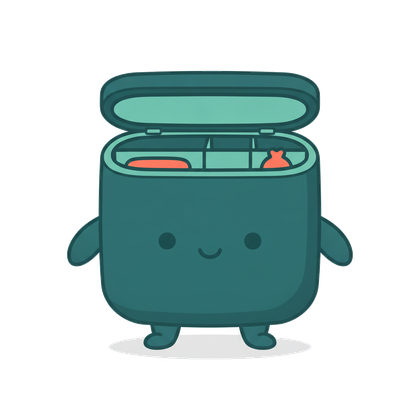
See Cubbyly in action
Real screens from the app — meet Cubby, snap a space, get the plan and the bins that fit, and keep every project in one place.
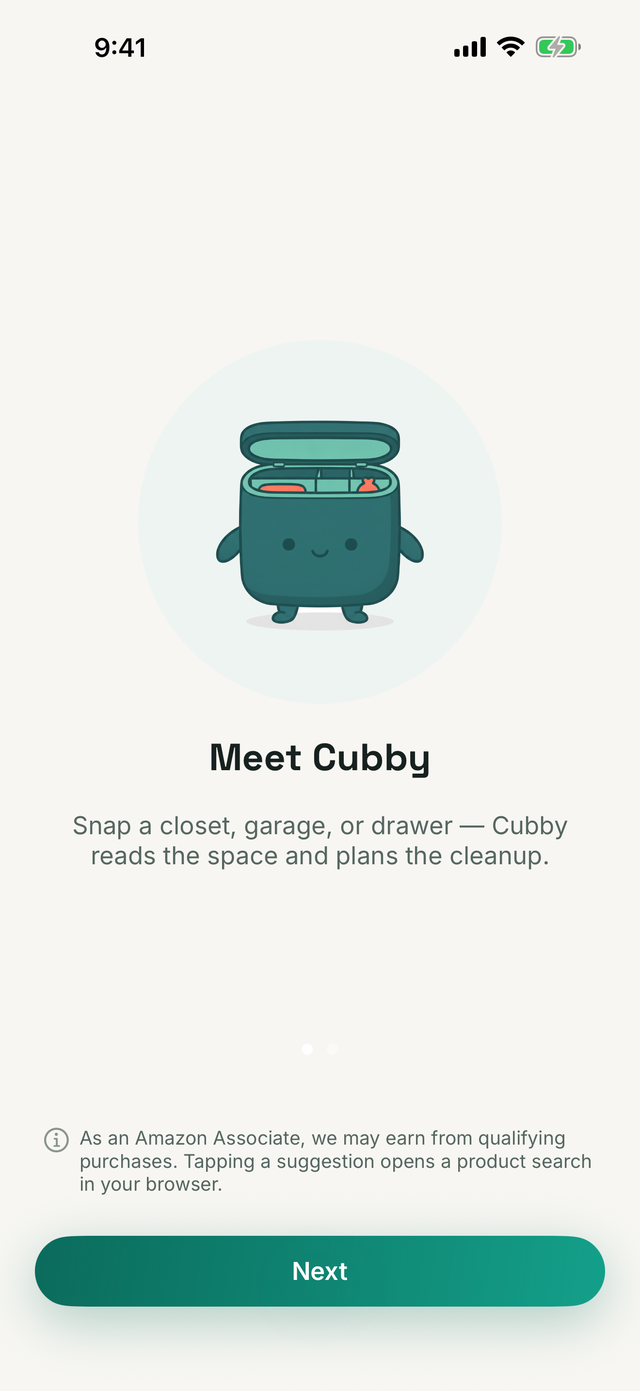
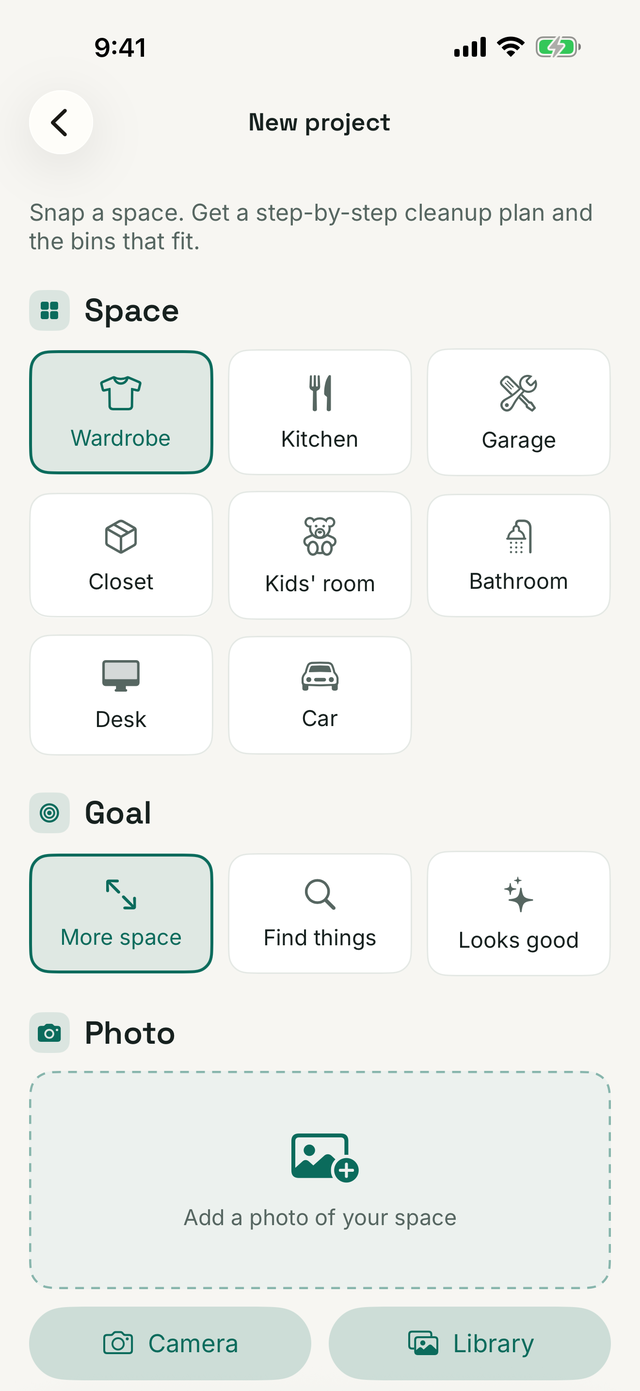
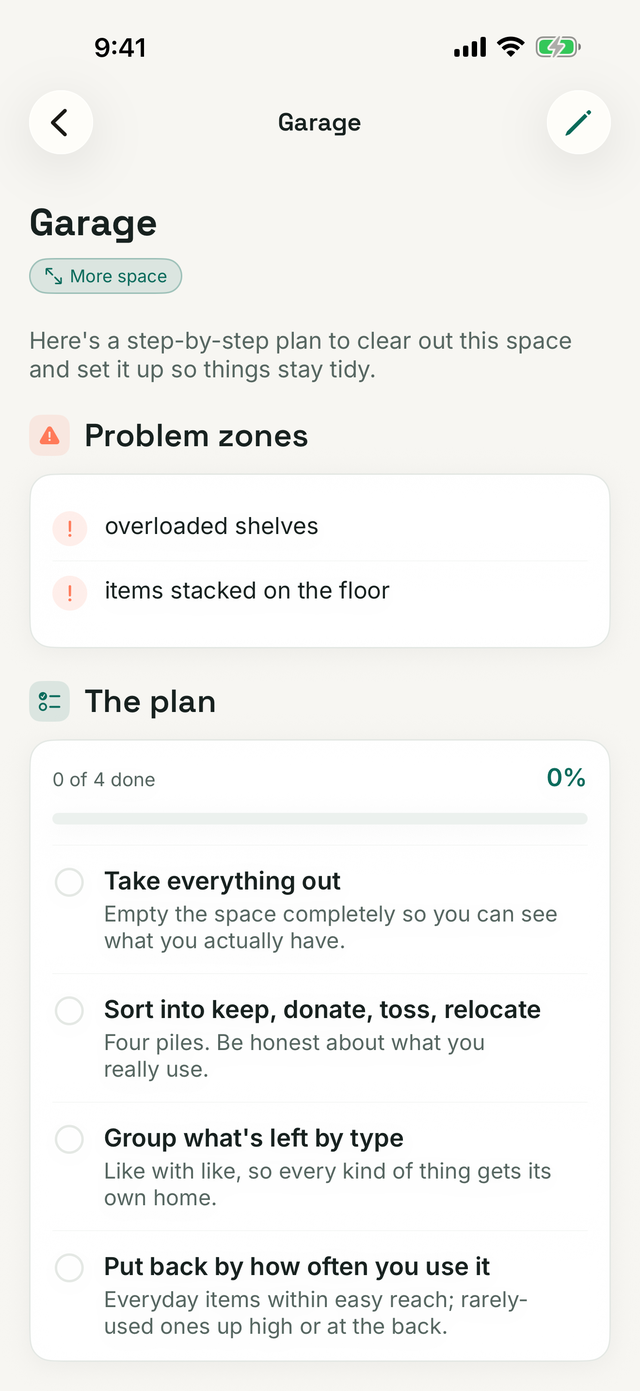
Three taps from mess to plan
Point your camera at the chaos. Cubbyly does the thinking, you do the tidying.
Snap the space
Photograph a closet, drawer, garage, or shelf — then pick the space type and your goal.
Get the plan
Cubbyly reads the photo and returns problem zones, item categories, and a step-by-step checklist.
Shop the fit
Get the exact organizers for that space — with sizes — and open a ready Amazon search for each.
Everything you need to get it sorted
See the mess, get a plan
One photo and Cubbyly describes what it sees, flags problem zones, sorts your stuff into categories, and lays out the steps to clear it.
Pick your space & goal
Wardrobe, kitchen, garage, kids' room, desk, car — then choose a goal like more space, find things fast, or just make it look good. Cubbyly tunes the plan.
The organizers that fit
Bins with sizes, dividers, hooks, shelves, labels — matched to your photo. Each opens a plain Amazon search, so you pick the exact product. No brands pushed.
A checklist you can finish
The plan becomes tickable steps — empty it out, sort into piles, put it back by zones — with progress saved per project.
Any space that got out of hand
From a photo to a finished plan
Here's what one tap turns into — a plan, a checklist, and organizers that fit. No brands, no prices, just categories.
Cubbyly's read on your closet
- Empty every shelf and rail
- Sort into 4 piles: keep, donate, toss, relocate
- Group by type, then by season
- Put back — daily items at eye level
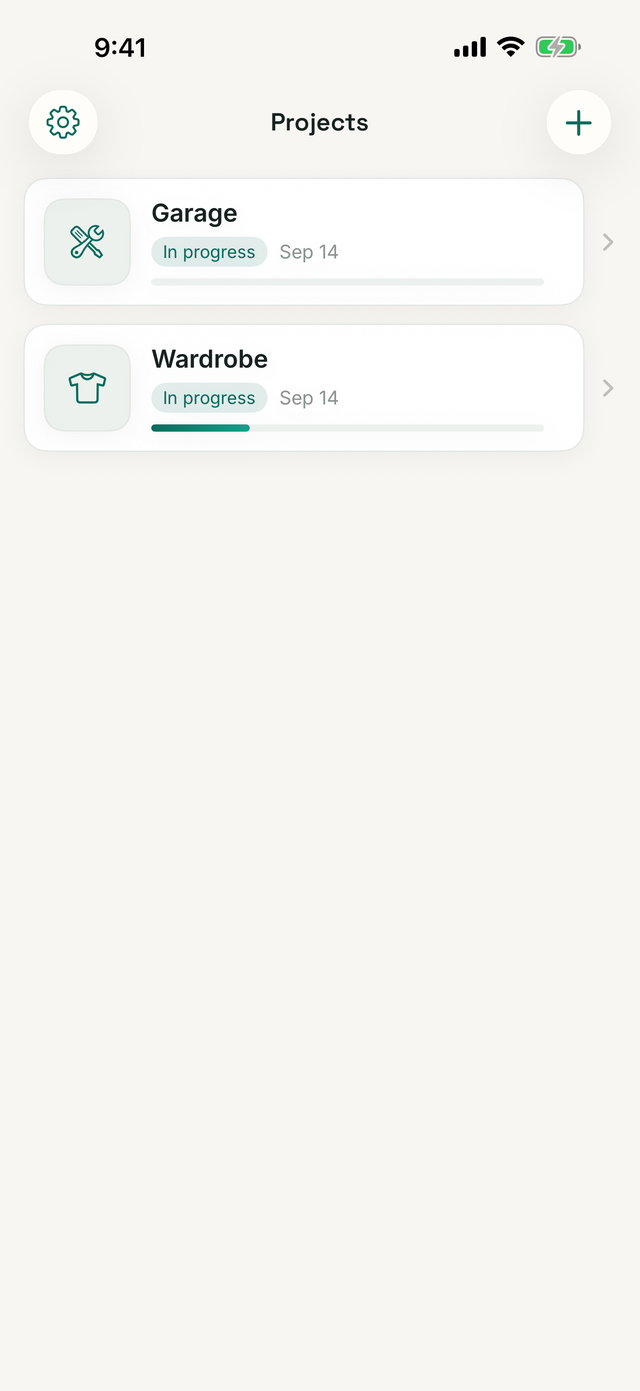
Every space, saved and picked up where you left off
Each project keeps its before photo, status, and date — open, continue, or clear it out.
Free, honest, and light on your data
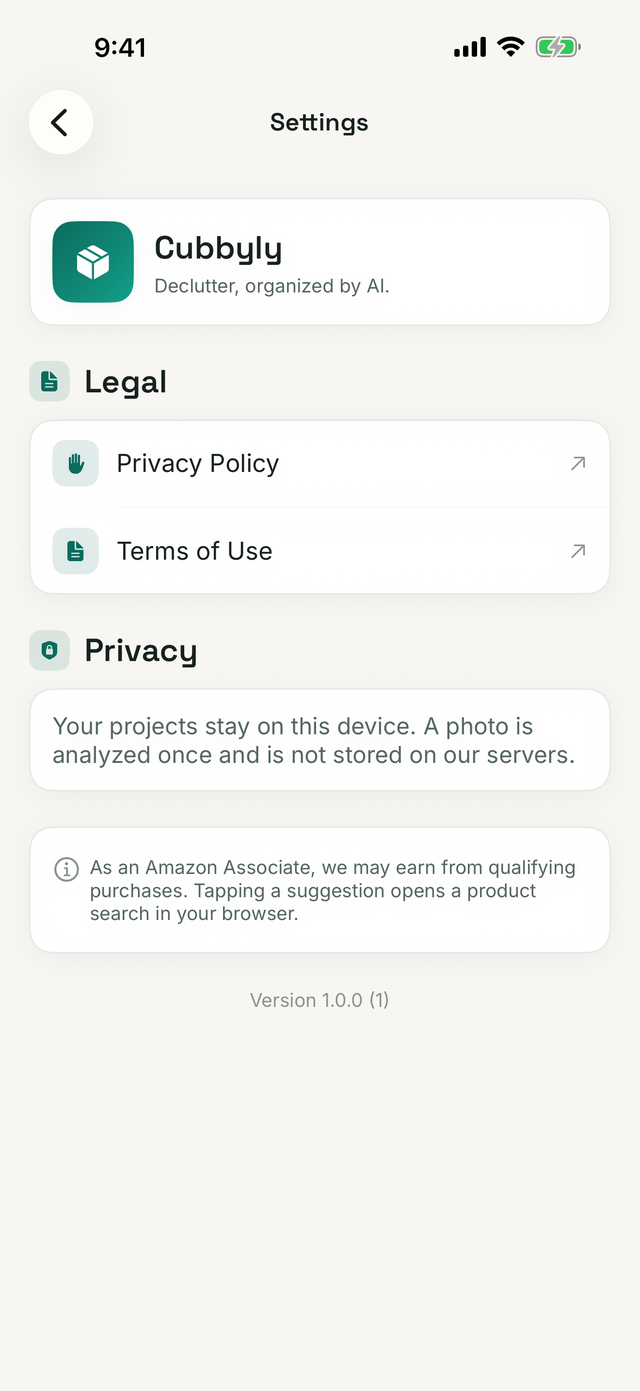
Your photos aren't kept
A photo is sent for analysis once, then discarded. It isn't stored on our servers or used to identify you. Point it at the space, not people.
No account, no ads
Open the app and start. There's nothing to sign up for, no subscription, and no ads — the app is free.
How we keep it free
Organizer suggestions open an Amazon search with our affiliate tag. If you buy, we may earn a small commission — at no extra cost to you.
As an Amazon Associate we earn from qualifying purchases. Cubbyly participates in the Amazon Services LLC Associates Program. Suggestions open an Amazon search in your browser; product choices, prices, and availability are Amazon's, and purchases cost you no more than usual.
Questions, answered
Is Cubbyly free?
Yes. Cubbyly is free on iPhone, with no subscriptions and no in-app purchases.
How does the Amazon part work?
Cubbyly suggests organizer categories that fit your space and opens a normal Amazon search for each — no specific brands, models, or prices. As an Amazon Associate we may earn from qualifying purchases, which keeps the app free.
Do you store my photos?
No. A photo is sent for analysis a single time and then discarded. It isn't kept on our servers or used to identify you.
Which spaces can it handle?
Closets and wardrobes, kitchen cabinets and pantries, garages, kids' rooms, bathrooms, desks, drawers, shelves, even the car — anywhere that needs sorting.
Are the suggestions guaranteed to fit?
They're AI suggestions based on your photo, so quantities and sizes are estimates. Use your own judgement and measure before you buy.
Give your space a fresh start.
Snap it, get the plan, grab the bins that fit. Free on iPhone — no account, no subscription.
Download on the App Store